
Clinic operations · November 2026
iPad Skin Consultation Workflow for Solo Aesthetic Practitioners
A practical comparison of tablet photo-based consultations and dedicated VISIA imaging: capture consistency, patient discussion, reports and honest limits.
Quick answer
A tablet workflow can support a solo practitioner’s consultation, but standard photographs are not equivalent to VISIA’s dedicated multi-light imaging. Choose based on the capture method, consistency, documentation, client discussion and actual workflow—not an unsupported claim of equal accuracy.
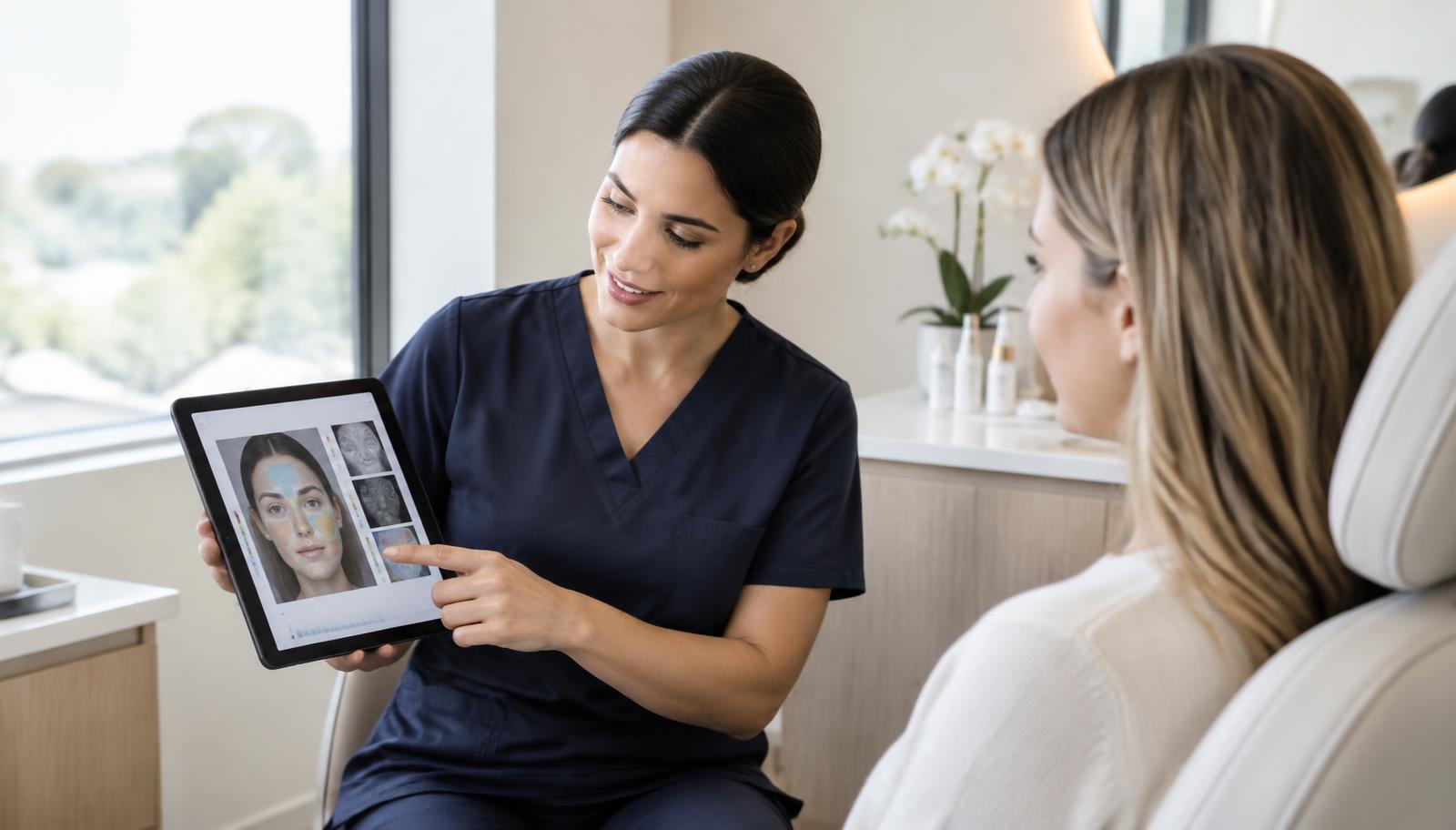
At a glance
Dedicated VISIA imaging
Purpose-built, multi-light capture; check the manufacturer’s current specifications.
Tablet photo workflow
Portable ordinary-photo consultation support; lighting and positioning remain important.
Practitioner assessment
Still needed for suitability, consent and clinical decisions in either workflow.
Choose the consultation problem first
A solo injector or aesthetic nurse may need a portable way to discuss visible skin concerns, document a consultation and revisit an approved plan. A clinic needing standardised multi-light images has a different requirement. Start with the job to be done rather than choosing a device solely because it looks impressive.
VISIA’s manufacturer describes dedicated imaging for features including spots, wrinkles, texture, pores and UV spots. A tablet photo workflow uses a different capture method. The existing VISIA comparison page remains the main product comparison; this guide focuses on how to organise a small-practice consultation.
Build a repeatable photo station
Keep the chair position, camera distance, angle and lighting consistent. Avoid filters and beauty modes. Agree whether makeup or skincare needs to be removed and document anything that changes between visits. Do not compare a brightly lit image with a shadowed image as if the difference proves treatment progress.
Use the scan’s capture instructions and quality checks. Dedicated imaging systems and ordinary cameras each have limitations; consistency improves usefulness but does not turn one method into the other. If a photo is unsuitable, recapture rather than explaining away an unreliable result.
Run the consultation in a clear order
Start with the completed facial analysis, then discuss practitioner-verified aesthetic findings. Use Voice Pro for the consultation conversation if your clinic has access and the client understands and agrees to recording. Review the notes before moving into an AI Care Plan.
The sequence is Scan → Aesthetic Assessment → Voice Pro → Care Plan. It is a navigation and discussion workflow, not an automated chain that approves treatment. Each stage has its own access requirements and the practitioner remains responsible for the decisions.
Use simulations as discussion aids
Face Studio Pro can support a treatment-preview conversation. Explain that a simulation is illustrative, not a guarantee of a result. Preserve the client’s identity and do not present a changed image as a real after-treatment photograph.
Discuss goals, alternatives and uncertainty before a client chooses a treatment. Assess contraindications and suitability separately. A pleasing simulation should not be used to substitute for informed consent or practitioner judgement.
Document once, review carefully
Keep the Client Profile ID and name correct before saving or linking an assessment. Review linked records so the right client is represented. Use manual selection when the automatically suggested record does not match the consultation you intend to document.
Review the Care Plan’s evidence and catalogue choices before approval. Export the client-facing report only after checking the content and images. Do not label equal-time snapshots or inconsistent photos as proof of progress.
Compare total workflow cost honestly
Obtain a current quote for dedicated imaging hardware and any ongoing costs from its supplier. Separately check the current ScanSkinAI plans and add-on access. Do not assume a generic hardware price range applies to a specific clinic or that subscriptions and capture equipment cover the same work.
Before committing, test the actual tasks you do each day: capture, switching views, reviewing a long report, returning to a client record and downloading a PDF. On a phone or tablet, check that all actions are reachable and that the last line of a report is not hidden behind navigation.
Common questions
Is a tablet a like-for-like VISIA replacement?
No. The capture method and available imaging information differ. Compare the requirements of your practice instead of assuming equivalence.
Can a simulation predict results?
No. A simulation is an illustrative discussion aid, not a guarantee or an individual treatment-outcome prediction.
Do all Pro features come with one plan?
Feature access depends on the current Enterprise and add-on entitlements. Check the existing plan details rather than assuming every feature is included.
Sources & further reading
Product capabilities and access depend on your clinic settings and current plan. Reference library · Editorial and medical review policy
Put the workflow into practice
See the existing clinic solution and confirm which features fit your practice before choosing a plan.
Compare the existing VISIA alternative guideRelated guides
Med-Spa Organic Leads: A Practical Consultation Playbook
A step-by-step med-spa playbook for turning existing website, QR and social traffic into consented consultation enquiries without promising bookings or revenue.
Read guideAI SOAP Notes for Aesthetic Consultations: Review Before Approval
A consultation-ready guide to Voice Pro transcription, SOAP drafts, assessment links, practitioner approval and AI Care Plan handoff without importing hosted intake.
Read guide