
Clinic operations · November 2026
Med-Spa Organic Leads: A Practical Consultation Playbook
A step-by-step med-spa playbook for turning existing website, QR and social traffic into consented consultation enquiries without promising bookings or revenue.
Quick answer
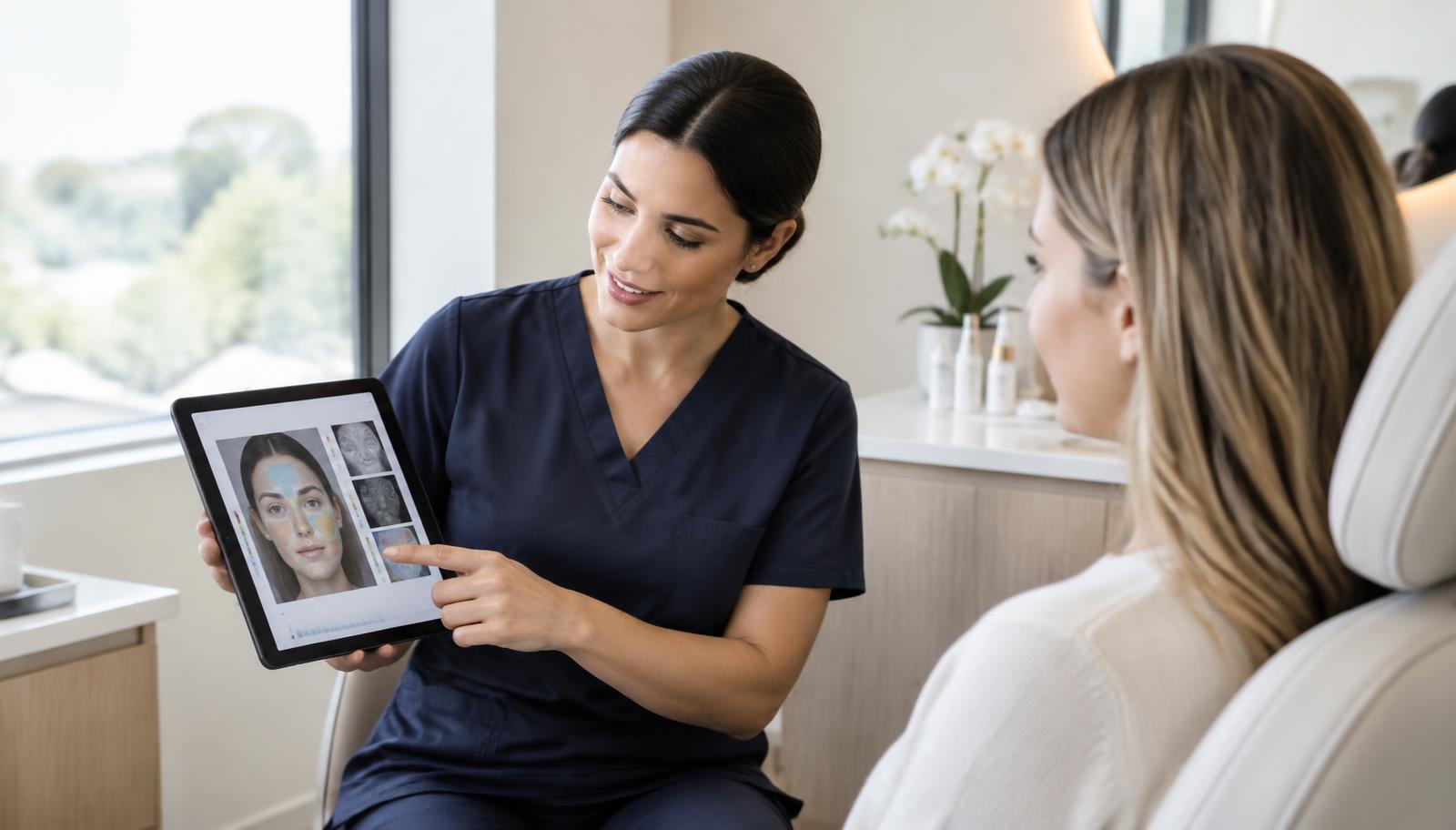
A branded facial scan can give existing visitors a useful first step before a consultation. Pair it with relevant clinic content, an appropriate catalogue, one clear booking action and a measured follow-up process. A completed scan, a contact, a booking and an attended consultation are different outcomes.
At a glance
Completed scan
A cosmetic analysis finished; it is not evidence of a booking.
Consultation enquiry
A client asks for contact or submits an enquiry; respond appropriately.
Booked and attended
Confirm separately in the clinic’s appointment records.
Start with the traffic you already have
An organic lead programme begins with people who already encounter your clinic: visitors reading a treatment page, followers checking a profile link, clients at reception and subscribers who have agreed to receive messages. A scan page does not create search traffic by itself. It needs useful content and a visible, relevant invitation.
Choose one starting channel rather than launching everything at once. For example, place a clearly labelled skin-analysis link on a facial consultation page. Keep the explanation honest: the scan provides cosmetic information and is not a medical diagnosis or a guaranteed treatment recommendation.
Give the result a meaningful next step
Choose one primary action for the result: book a consultation or request contact from the clinic. Repeating that same action is different from adding competing promotions. Explain what the consultation is for, and let the visitor decide without exaggerating a low score.
Configure the booking destination in the hosted-page settings and test it on a real phone. If no booking link is available, the consultation-request option can support an enquiry instead. A request is not a confirmed booking; your team still needs to respond.
Set up the catalogue before driving visitors
Use the Company tab to keep active products, descriptions, currency and services accurate. Recommendation rules can guide product timing and concern matching. An optional score-based playbook can supply clinic-authored advice by metric and score band; only configure text you are comfortable sharing with clients.
Keep product use consistent with the product’s approved description. A client with no matching product should not be offered an invented item. Do not interpret cosmetic scores as eligibility for a procedure; practitioner assessment remains necessary.
Make intake and consent purposeful
The Client Skin & Medical Intake is optional per hosted page. The optional welcome and wellness check-in sits before it when enabled. Use these only when they serve the client experience, and avoid collecting information simply because there is a field for it.
Intake answers can be viewed with the lead when the scan result is unlocked. They are not automatically sent into Voice Pro or clinical notes. Marketing permission is separate from a clinical conversation, and your follow-up must respect the permission and contact purpose actually given.
A four-week launch checklist
Week one: prepare the catalogue, branding and one contact action. Walk through the page as a client, including photo upload and the result download. Check every product link and the clinic’s real booking page.
Week two: add the link to one relevant website page or reception QR. Week three: agree a staff response process and a realistic follow-up owner. Week four: review where visitors stop and adjust the invitation or process, not the clinical interpretation of scores.
- Website: explain a specific client question before linking to the scan.
- Reception: offer the scan as optional, not as a condition of treatment.
- Social profile: use an accurate label and a direct page link.
- Follow-up: reference the client’s enquiry and offer discussion, not a diagnosis.
Measure leads without confusing them with sales
Record completed scans, submitted contacts, consultation requests, booked consultations and attended appointments separately. Reconcile booking and sales outcomes with your own appointment system; a lead dashboard does not prove that a visitor bought treatment.
Compare channels over a sensible observation period and record how staff followed up. Do not publish a case study claiming booked consultations or revenue from scan counts alone. This playbook makes no conversion-lift guarantee and uses no private clinic data or client testimonials.
Common questions
Do we need paid ads?
No paid ads are required to share a hosted page. Existing website visitors, reception QR codes and social links are possible starting channels, but traffic and bookings are not guaranteed.
Can we copy wellness intake into Voice Pro?
No. Hosted intake and wellness answers remain separate from Voice Pro consultation transcripts and approved notes.
Can we publish a clinic case study?
Only with permission and verified outcomes. Separate scans, contacts, bookings and revenue, and never expose patient or intake information.
Sources & further reading
Product capabilities and access depend on your clinic settings and current plan. Reference library · Editorial and medical review policy
Put the workflow into practice
See the existing clinic solution and confirm which features fit your practice before choosing a plan.
Explore Hosted Scan Page for clinicsRelated guides
iPad Skin Consultation Workflow for Solo Aesthetic Practitioners
A practical comparison of tablet photo-based consultations and dedicated VISIA imaging: capture consistency, patient discussion, reports and honest limits.
Read guideAI SOAP Notes for Aesthetic Consultations: Review Before Approval
A consultation-ready guide to Voice Pro transcription, SOAP drafts, assessment links, practitioner approval and AI Care Plan handoff without importing hosted intake.
Read guide