
Industry · Landscaping & grounds
Private Skin Checks for Landscaping Workers and Grounds Teams
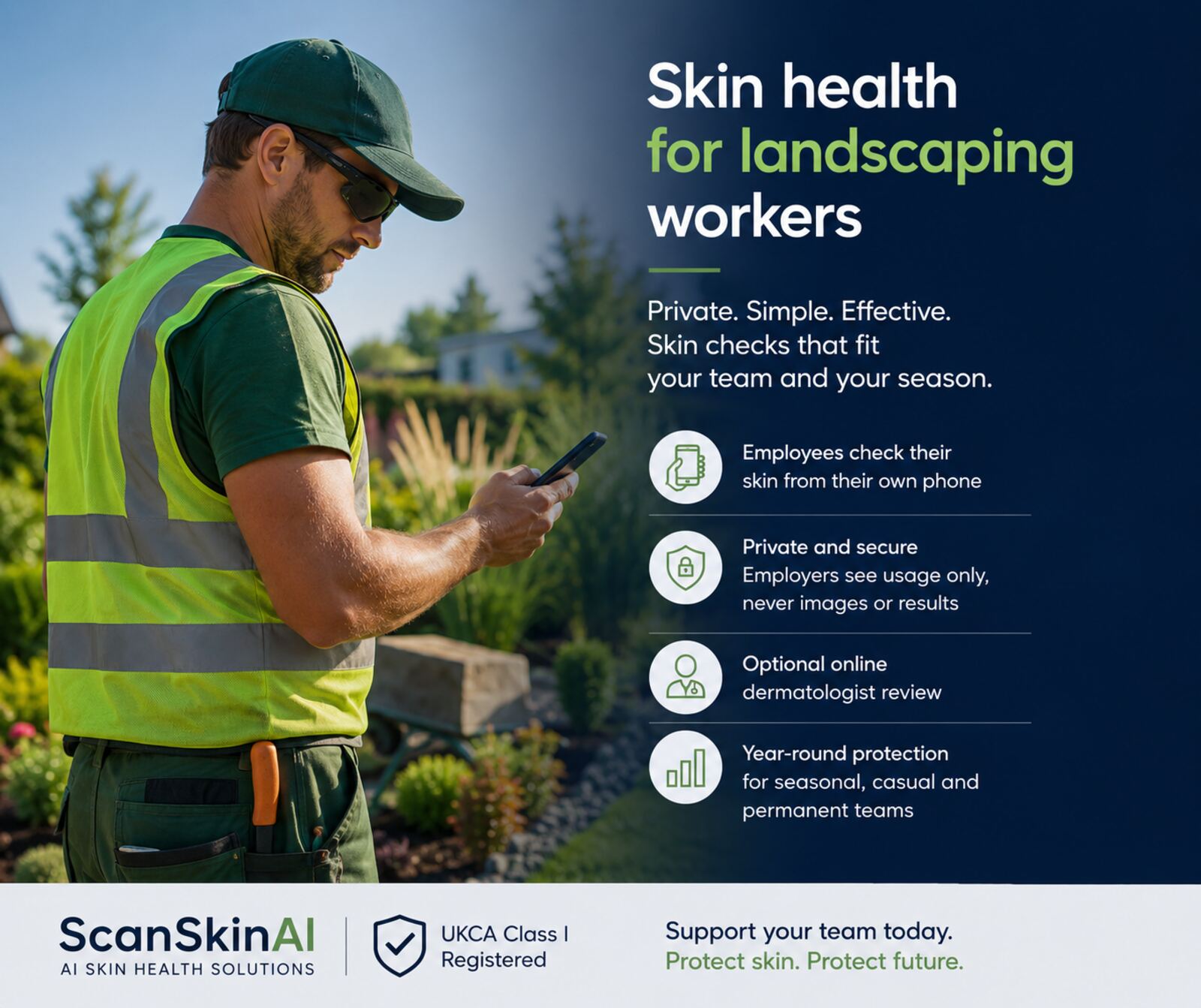
Help outdoor teams monitor moles and visible skin changes throughout the year—without fixed clinic days or employer access to personal results.
- UKCA Class I registered
- 95.3% clinical concordance
- Employers see usage only
Horticulture workforce survey findings
Source: Chartered Institute of Horticulture, 2025 survey of 718 respondents. These figures are self-reported survey findings from a specific industry sample and should not be read as population prevalence.
Quick answer
ScanSkinAI gives landscaping, gardening and grounds SMEs a private, per-seat way for workers to run a preliminary AI-supported skin concern risk assessment and track moles over time on their own phone, with optional paid dermatologist review. It does not diagnose or rule out skin cancer and is designed to complement — not replace — a wider workplace sun-safety programme.
See workplace skin monitoring for small businesses for the full SME plan and pricing.
Why landscaping work needs year-round skin monitoring
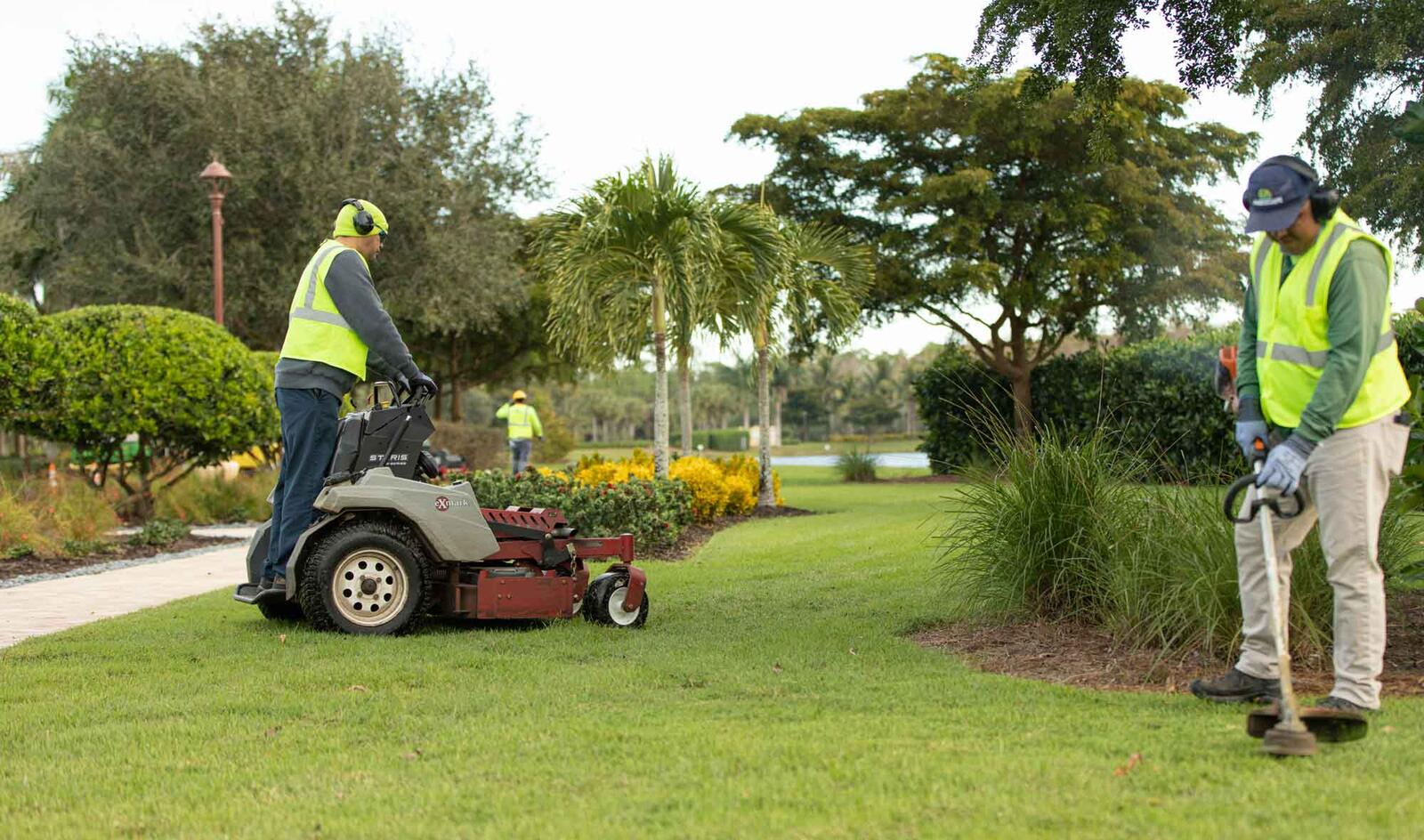
Landscaping, gardening and grounds crews spend most of the working day outdoors from spring through autumn. UV exposure is cumulative and falls disproportionately on the neck, ears, forearms, lower legs and temples — areas that are easy to miss in everyday self-checks.
Tools like ScanSkinAI do not replace a workplace risk assessment, PPE, shade, training or access to medical care. They sit alongside those controls as a private, low-friction way for workers to keep an eye on visible skin changes and decide when to seek clinical advice.
Specific considerations for landscaping crews
Neck and ears under baseball caps
Standard caps leave the ear tops, temples and back of the neck exposed all day. These are common sites for sun-related skin changes in outdoor crews and are easy to miss in a mirror.
Forearms and lower legs
Short-sleeved shirts and shorts in summer expose forearms and lower legs to sustained UV during digging, planting and mowing work. Watch for new or changing spots in these areas.
Reflected UV from hard surfaces
Pale paving, gravel paths, water features and freshly cut grass all reflect UV back upward, adding to the dose your face, chin and underside of the arms receive — even under a brim.
Up to 80% of UV through light cloud
The World Health Organization notes that up to 80% of UV can pass through light cloud, so overcast days are not a safe break from exposure. WHO UV Index Q&A
Seasonal and casual teams
Peak-season hires, casuals and sub-contracted crews are often left out of formal health benefits. A per-seat model lets you assign a 12-month seat to whoever is on the team today.
Reapplying sunscreen is hard
Sweat, soil, fuel and tools all strip sunscreen during physical work. Few crews stop to reapply every two hours, so year-round skin monitoring is a useful safety net.
Five-minute landscaping toolbox-talk checklist
A short morning brief crews can run before heading out. Use it as a prompt list, not a substitute for your own sun-safety policy.
- Check today's UV index before crews leave the yard — plan heavier physical work for lower-UV windows where possible.
- Issue and replenish broad-spectrum SPF 30+ sunscreen, plus brimmed hats and UV-rated long-sleeve shirts on hot days.
- Remind staff to reapply sunscreen to ears, nape, forearms and lower legs after lunch and any water-based task.
- Encourage each worker to take a 30–60 second phone scan of any new or changing mole that day, using their own private ScanSkinAI account.
- Log the talk in your site diary — a short, dated record helps demonstrate ongoing sun-safety engagement.
How ScanSkinAI works for your team
1. Set up seats for your team
Choose how many employees to cover. Each seat is for one named worker for 12 months. Manage assignments from your company dashboard.
2. Crew checks in privately by phone
Workers redeem an invite link and take photos of moles or skin concerns in the browser or iOS app. Their scans and history stay in their personal account.
3. Optional dermatologist review
When the AI flags a higher-risk lesion, the worker can choose to request a paid dermatologist review as an add-on. The service does not diagnose or rule out skin cancer.
4. Employers see usage only
Your admin view shows seat usage and anonymous engagement — never images, scans or personal results.
What ScanSkinAI can and cannot do
Can
- Provide preliminary AI-supported risk information for visible skin concerns
- Help workers photograph and track moles or lesions over time
- Support documentation of an ongoing workplace skin-monitoring activity
- Surface higher-risk findings that may warrant seeing a clinician
Cannot
- Diagnose skin cancer or any other medical condition
- Rule out the presence of disease or replace a clinical examination
- Substitute for a qualified dermatologist, GP or occupational health service
- Discharge an employer's statutory health, safety or duty-of-care obligations
ScanSkinAI is a preliminary AI-supported skin concern risk assessment and mole monitoring tool. It does not provide a diagnosis. Workers with any concerning skin change should consult a qualified clinician.
Employee privacy comes first
Employers never see employee skin images or personal results. Each worker has their own private account. Your company dashboard only shows seat usage and anonymous engagement so you can demonstrate the benefit is being used without ever touching personal health data.
ScanSkinAI is UKCA Class I registered and operates under ISO 27001 information security.
Per-seat team plan
One seat covers one named employee for 12 months. Workers get unlimited AI mole monitoring and skin concern checks on their own phone.
Dermatologist review is available as an optional paid add-on when the AI flags a higher-risk lesion. Seats are committed for the 12-month term, can be reassigned if a named employee leaves, and are not refundable mid-term.
Why an outdoor-industries focus
ScanSkinAI's founder, Dr George Zhu, has spent many years in outdoor furniture manufacturing and export, working closely with installers, landscapers and grounds teams across multiple markets. That background informs how this product is shaped for outdoor SMEs — short attention windows, shared devices, seasonal teams and crews who are rarely near a desk.
This is a business and product background, not a medical qualification. Clinical content on ScanSkinAI is reviewed separately; this page has not undergone independent clinical review, and any clinical-review attribution will only be added when a named qualified reviewer has assessed it.
Frequently asked questions
What exactly does ScanSkinAI provide for landscaping crews?
A preliminary AI-supported skin concern risk assessment and mole monitoring tool that workers use privately on their own phone. It is not a diagnostic device and does not confirm or rule out skin cancer.
How does a seat work?
One seat covers one named employee for 12 months. Workers redeem an invite link to activate their personal account. Seats are personal — they are not pooled or shared between staff at the same time.
Can I reassign a seat if someone leaves?
Yes. If a named employee permanently leaves your business, you can reassign their seat to another worker for the remainder of the 12-month term. Routine swapping between active staff during the term is not supported.
Can I remove seats mid-term?
Seats are committed for the 12-month term and are not refundable mid-term. You can choose not to renew at the end of the term, and you can add additional seats at any time pro-rata.
Is online dermatologist review included?
No. Dermatologist review is an optional paid add-on that an individual worker can request when the AI flags a higher-risk lesion. It is charged separately from the seat fee.
How accurate is the AI?
On our internal validation set, the triage AI shows 95.3% clinical concordance with board-certified dermatologist review. This describes agreement on triage categories within a defined research dataset and is not a guarantee of diagnostic accuracy for any individual user. See our evidence page for the validation scope.
Does this satisfy our workplace health and safety duties?
No single tool satisfies statutory duties. ScanSkinAI is intended to complement a wider workplace sun-safety programme — including risk assessment, PPE, shade, training and access to medical care — and does not itself fulfil legal occupational health obligations.
Will my workers' personal data stay private?
Yes. ScanSkinAI is UKCA Class I registered and operates under ISO 27001 information security. Employers cannot see employee photos, scans or individual results.
How long does dermatologist review take?
When a worker chooses the optional review add-on, board-certified dermatologists typically return their response within 48 hours.
How quickly can we go live?
Most landscaping SMEs are set up in a single short session — purchase seats, share the invite link with named workers, and they self-onboard on their own device.